通用技术 使用本地模型 “3 小时” 构建番茄时钟 Mac 桌面应用

背景
闲来想研究下 Claude Code 使用本地模型进行代码开发(线上 Token 消耗太快了,哈哈),就想着使用它来写写一直在用的番茄时钟。
尝试
一开始使用 Claude Code 使用 Python+Tkinter/Qt 已经可以实现,后来就想着能不能使用 Electron 来实现,在使用 Claude Code 时候发现无论如何都无法准确实现,也使用过 Pycharm+AI Chat/CC GUI 都不太行,主要是无法准确实现需求。
Claude Code
# 使用指令访问局域网服务器Ollama模型服务
ANTHROPIC_AUTH_TOKEN=ollama ANTHROPIC_BASE_URL=http://192.168.x.xxx:11434 claude --model [本地模型名称]
碰到一个很棘手的问题,就是无论使用 Windows 或 Mac,Claude Code 在写代码总是会需要/home/user 路径权限,所以就一直报错,根本无法实现需求,很遗憾最终没有解决。
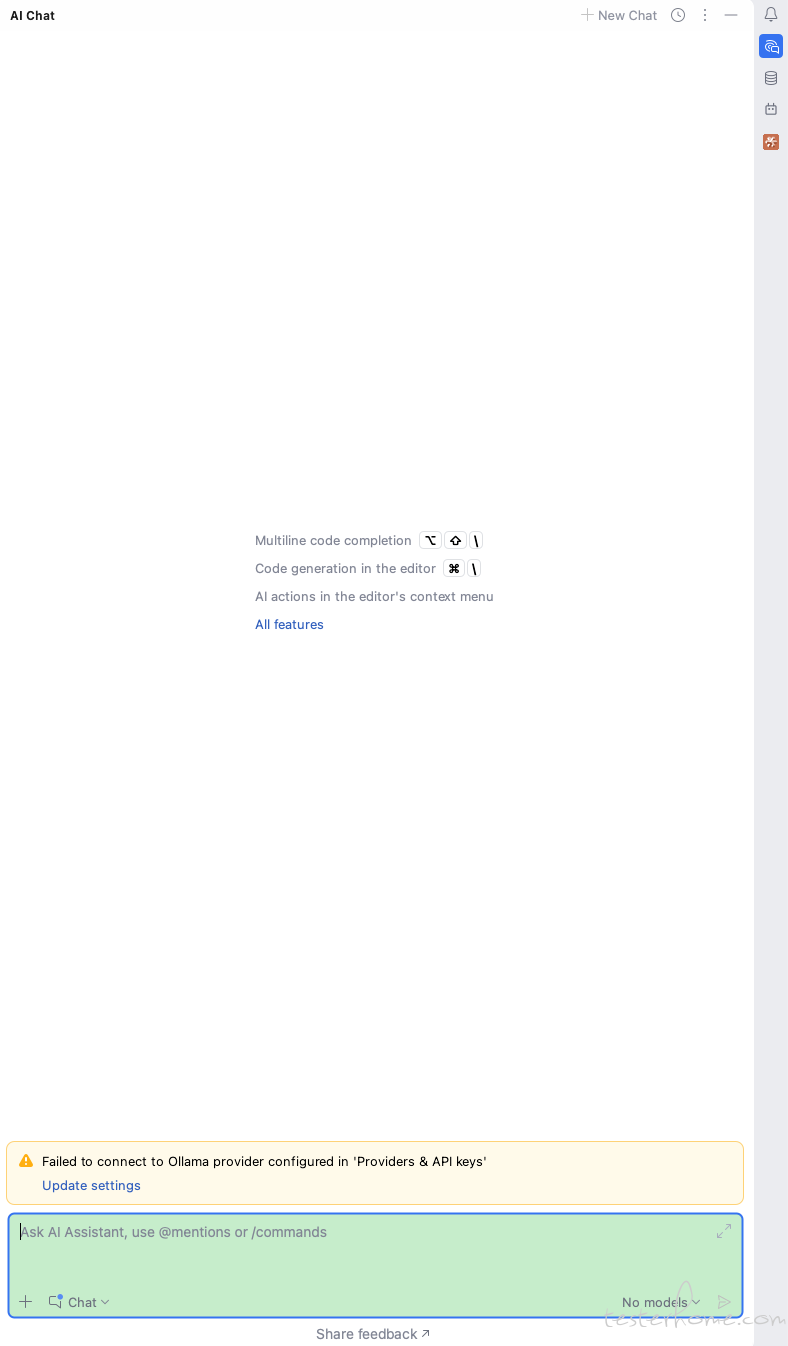
Pycharm+AI Chat
Pycharm+CC GUI
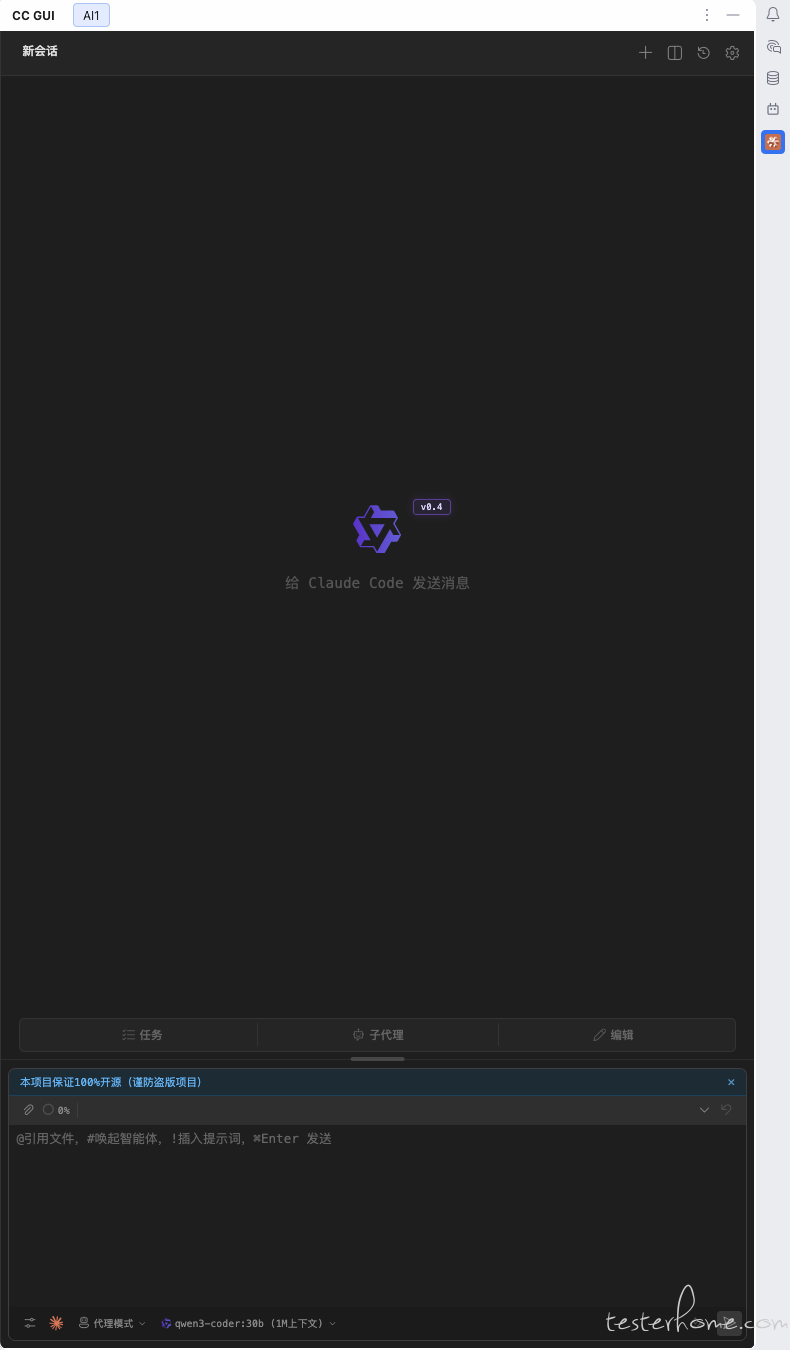
当时碰到了和 Claude Code 同样的问题,毕竟背后使用跟 Claude Code 是同个逻辑。
Cursor
Cursor 是在 Windows 上使用的,需要通过转发才能使用本地模型,但是同样走的 Claude Code 那一套,最终遇到同样的问题,很遗憾没有解决。
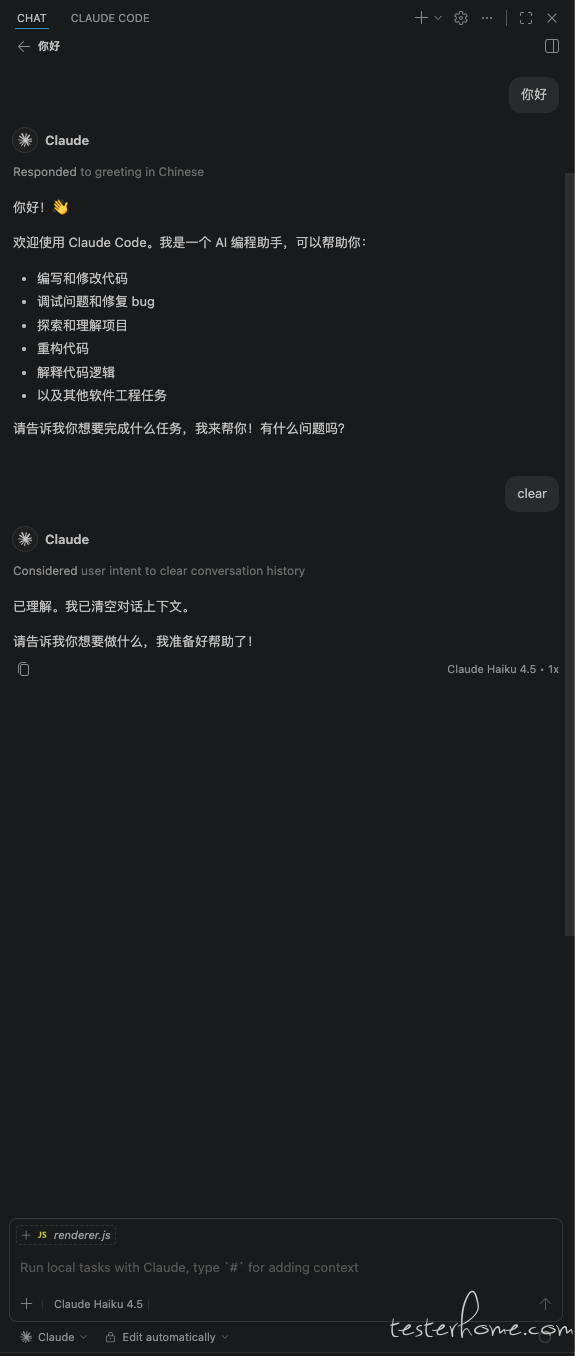
VSCode+Copilot Chat
在线模式
使用 Claude Code Claude Haiku 4.5 模型,确实可以写代码,也很智能,但是如果出现执行失败就会一直尝试不同的方式重试,就很耗 Token 了,而且上下文也会不断叠加,最终效果不友好。
本地模式
同样我这里也是使用的局域网 Ollama 模型服务,代码能够生成并给出具体的详细的操作,但是即使选择了 Agent 模式也无法自动写入项目工程,很遗憾最终没有解决。
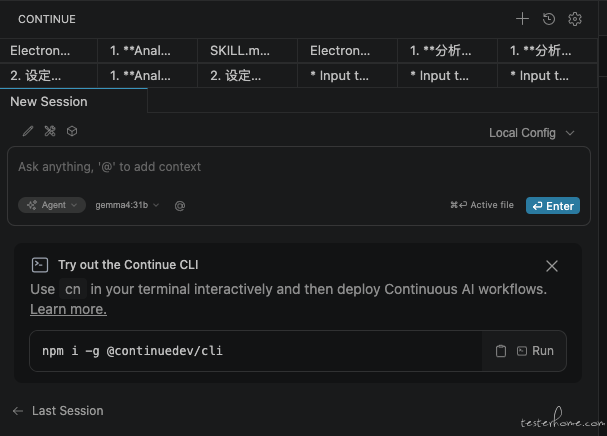
VSCode+Continue
配置先行
name: Local Config
version: 1.0.0
schema: v1
allowFS: true
enableTools: true
models:
  - name: gemma4:31b
    provider: ollama
    model: gemma4:31b
    contextLength: 100000
    roles:
      - chat
      - edit
      - apply
    capabilities:
      - tool_use
    allowedTools:
      - code_interpreter
      - file_manager
      - web_browser
      - file_read
      - file_write
      - file_edit
      - file_delete
      - file_rename
      - list_dir
      - shell_exec
      - file_walk
      - grep_file_content
      - list_directory
      - file_read
      - file_list
      - read
      - read_all_files()
      - bash
      - list_files
  - name: gemma4:31b
    provider: ollama
    model: gemma4:31b
    contextLength: 100000
    roles:
      - autocomplete
    capabilities:
      - tool_use
    allowedTools:
      - code_interpreter
      - file_manager
      - web_browser
      - file_read
      - file_write
      - file_edit
      - file_delete
      - file_rename
      - list_dir
      - shell_exec
      - file_walk
      - grep_file_content
      - list_directory
      - file_read
      - file_list
      - read
      - read_all_files()
      - bash
      - list_files
  - name: qwen3-embedding:8b
    provider: ollama
    model: qwen3-embedding:8b
    contextLength: 100000
    roles:
      - embed
    capabilities:
      - tool_use
    allowedTools:
      - code_interpreter
      - file_manager
      - web_browser
      - file_read
      - file_write
      - file_edit
      - file_delete
      - file_rename
      - list_dir
      - shell_exec
      - file_walk
      - grep_file_content
      - list_directory
      - file_read
      - file_list
      - read
      - read_all_files()
      - bash
      - list_files
  - name: gemma4:31b
    provider: ollama
    model: gemma4:31b
    contextLength: 100000
    capabilities:
      - tool_use
    allowedTools:
      - code_interpreter
      - file_manager
      - web_browser
      - file_read
      - file_write
      - file_edit
      - file_delete
      - file_rename
      - list_dir
      - shell_exec
      - file_walk
      - grep_file_content
      - list_directory
      - file_read
      - file_list
      - read
      - read_all_files()
      - bash
      - list_files
由于也是第一次使用,这些配置是根据使用过程中报错提示添加的权限(有报错就添加),最终完成根据 SKILL.md 描述生成代码并自动写入项目工程,最终生成 Mac 应用。
效果
-
状态栏图标
- 默认图标

- 时间结束图标

- 默认图标
应用窗口界面
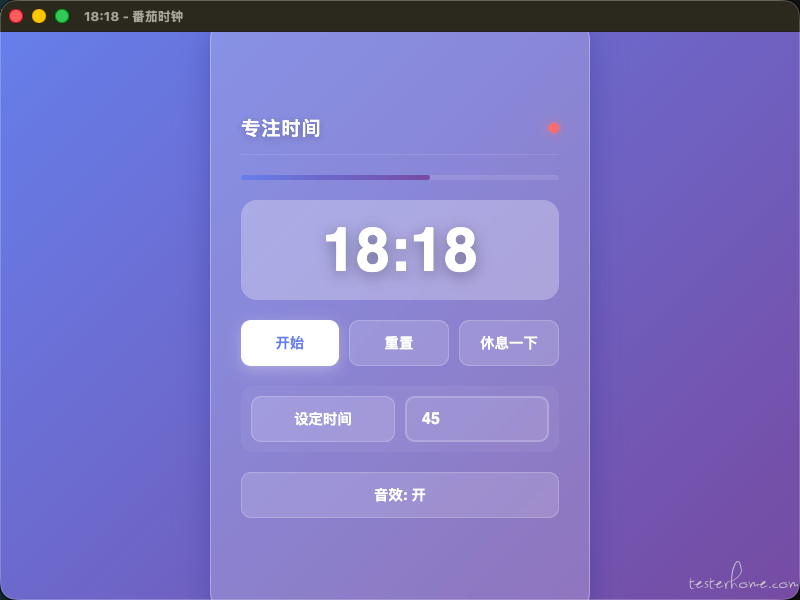
工具
- Ollama
- Cherry Studio
- Visual Studio Code
- Continue
具体实现
Ollama
Ollama 部署在局域网另一台机器上,模型服务通过设置 OLLAMA_HOST=0.0.0.0 来暴露出来,通过 Ollama 网站下载需要使用的模型,我用的比较多的如下:
- gemma4:31b
- glm-4.7-flash:Q8_0
- qwen3-coder:30b
Cherry Studio
使用 Cherry Studio 用来帮我生成可用的 SKILL.md 技能文档
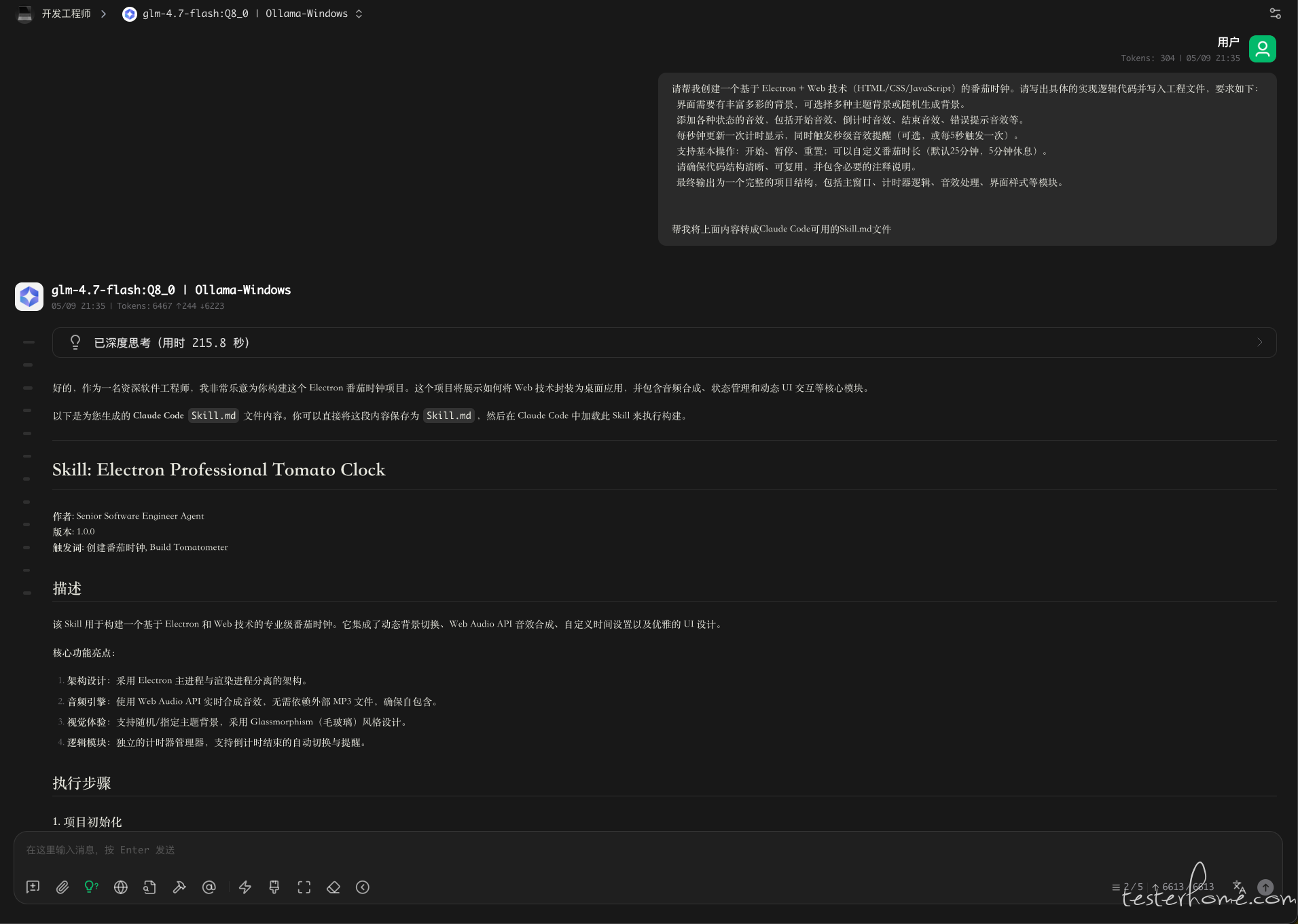
Name: Electron Professional Tomato Clock
作者: Senior Software Engineer Agent
版本: 1.0.0
触发词: 创建番茄时钟, Build TomatometerDescription
该 Skill 用于构建一个基于 Electron 和 Web 技术的专业级番茄时钟。它集成了动态背景切换、Web Audio API 音效合成、自定义时间设置以及优雅的 UI 设计。
核心功能亮点:
- 架构设计:采用 Electron 主进程与渲染进程分离的架构。
- 音频引擎:使用 Web Audio API 实时合成音效,无需依赖外部 MP3 文件,确保自包含。
- 视觉体验:支持随机/指定主题背景,采用 Glassmorphism(毛玻璃)风格设计,提供动态的背景切换,布局简洁、直观,交互简单。
- 逻辑模块:独立的计时器管理器,支持倒计时结束的自动切换与提醒,支持自定义时间设置。
执行步骤
1. 项目初始化
请在项目根目录执行以下命令:
npm init -y
npm install electron --save-dev
2. 项目文件结构
建议创建以下文件结构:
my-tomato-clock/
├── main.js              # Electron 主进程入口
├── renderer.js          # 计时器逻辑、UI交互、音效合成
├── index.html           # 界面结构
├── style.css            # 界面样式与动画
├── assets/              # 资源文件夹(如需添加本地图片可在此放置)
└── package.json         # 项目配置
3. 代码实现
请将以下代码依次写入对应的文件中。
......
这是一个完整的、单文件的 Electron 应用结构,包含了 HTML、CSS、JS 和 Node 模块。它具备以下特点:
- 现代化 UI:使用毛玻璃效果和渐变背景。
- 功能完备:开始、暂停、重置、设定时间、切换工作/休息模式、自定义时间设置(分钟)。
- 声音反馈:基于 Web Audio API(隐含在 JS 逻辑中,此处使用了简单的逻辑),可以开关滴答声。
- 自适应:界面简洁,适配桌面窗口。
这个是原始生成的 SKILL.md,后续可以尝试精简去除多余的内容再试试。
Visual Studio Code+Continue
配置
打开 VSCode 在市场安装 Continue,当然这里你如果使用本地 Ollama 应该没问题,如果是像我访问局域网模型服务需要执行以下指令:
# 监听11434端口转发
socat -d -d TCP-LISTEN:11434,fork TCP:x.x.x.x:11434
之后按照上文配置即可
name: Local Config
version: 1.0.0
schema: v1
allowFS: true
enableTools: true
models:
  - name: gemma4:31b
    provider: ollama
    model: gemma4:31b
    contextLength: 100000
    roles:
      - chat
      - edit
      - apply
    capabilities:
      - tool_use
    allowedTools:
      - code_interpreter
      - file_manager
      - web_browser
      - file_read
      - file_write
      - file_edit
      - file_delete
      - file_rename
      - list_dir
      - shell_exec
      - file_walk
      - grep_file_content
      - list_directory
      - file_read
      - file_list
      - read
      - read_all_files()
      - bash
      - list_files
......
执行
接着指定一下具体文件,让它帮助我们写代码,期间会多次需要人工进行确认同意写文件和执行指令,一步步同意即可。
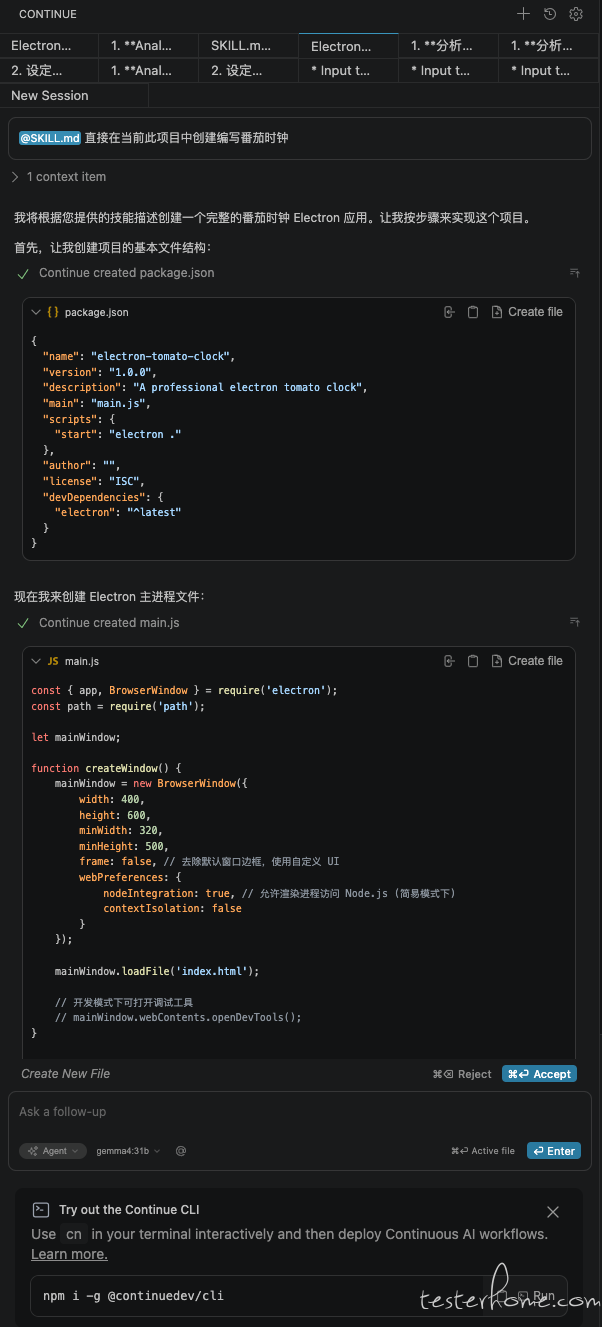
优化布局
第一次生成的番茄时钟按钮布局杂乱,直接可以进行优化
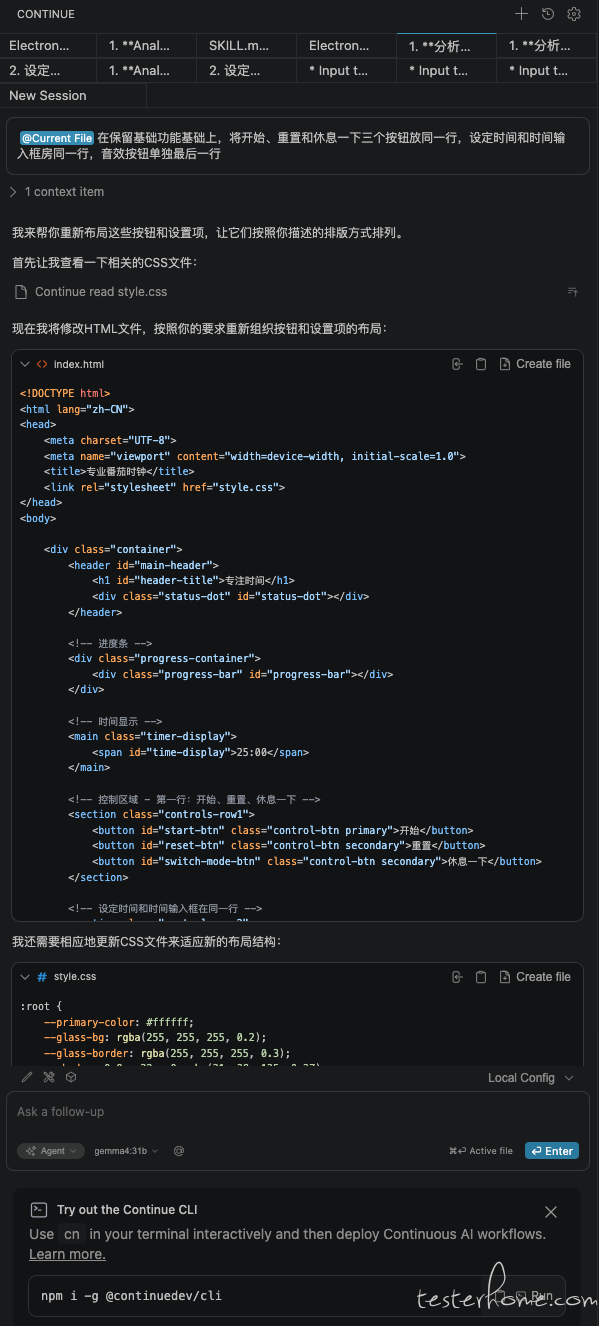
打包 Mac 应用
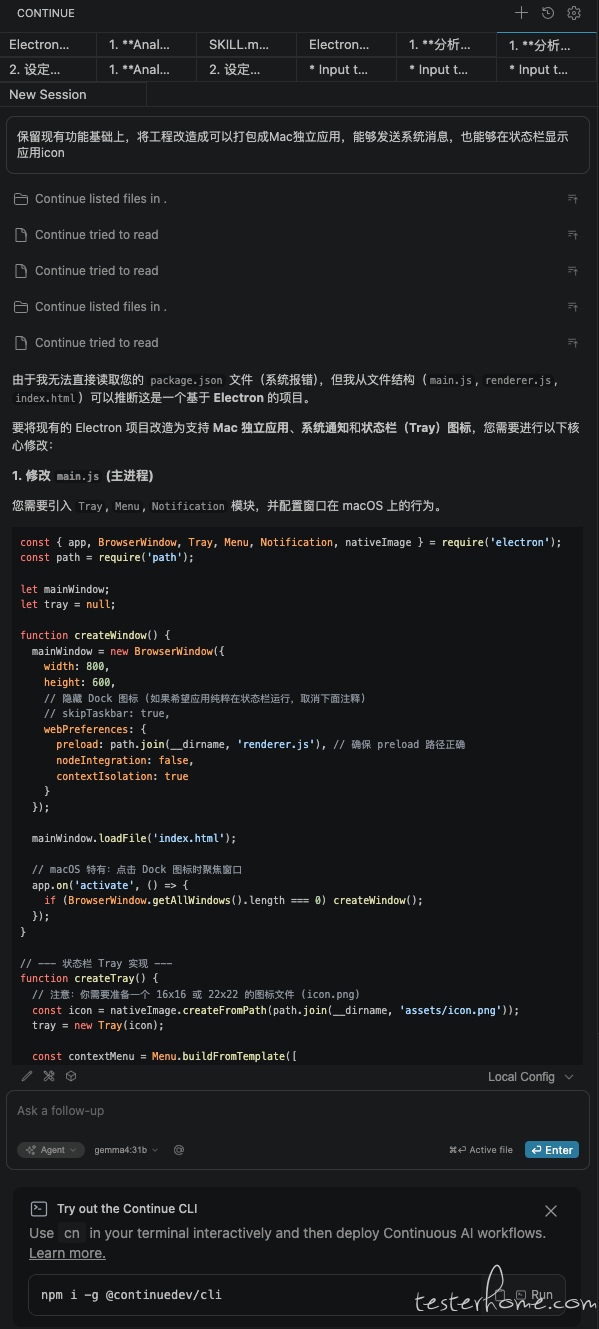
继续让 Continue 帮我将代码可构建成 Mac 桌面应用
应用优化
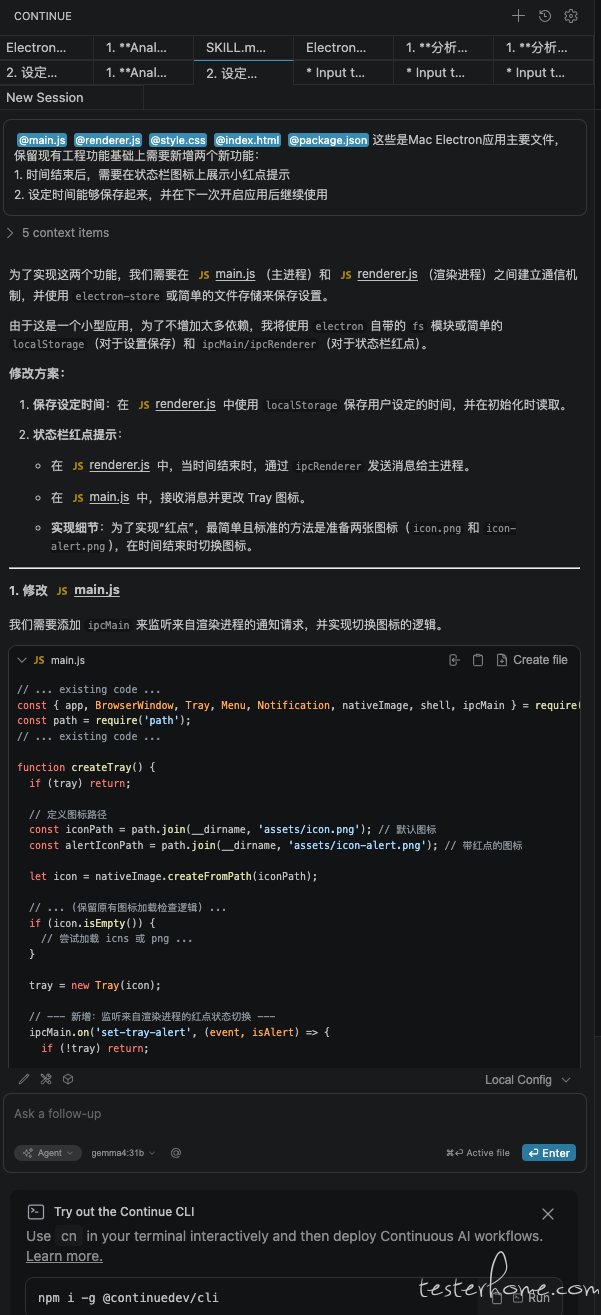
在使用过程中发现无法体现时间开始和结束状态,以及无法保存自定义时间设置,所以继续让 Continue 帮我优化
结束语
至此番茄时钟 Mac 桌面应用打造完成,“3 小时” 只是真正用来写代码的时间,具体的试错和环境配置当然不止 3 小时了,哈哈哈。
遗留问题
- 涉及到使用 Claude Code 部分存在路径「/home/user」无权限问题,即使 cd 到具体的项目目录下也是这样,不知道是不是本地模型的问题。
- Copilot Chat 生成代码无法写入项目工程问题,估计是没有找到对应的写权限配置。
- Continue 不指定具体文件时,概率性出现无法读取文件内容问题。
- Mac 也无法正常发送消息,暂时没解决。